 Video Compressor
Compress videos on your iPhone. Keep every one.
Video Compressor finds the huge videos filling your iPhone and makes them smaller right on the phone. Same dates, same albums, nothing uploaded.
- 1See your biggest videos first
- 2Select the ones to shrink
- 3Pick a size, see the space you get back
- 4It shrinks on your iPhone
- 5Space back, every video kept

Originals wait in Recently Deleted for 30 days, so you can change your mind.
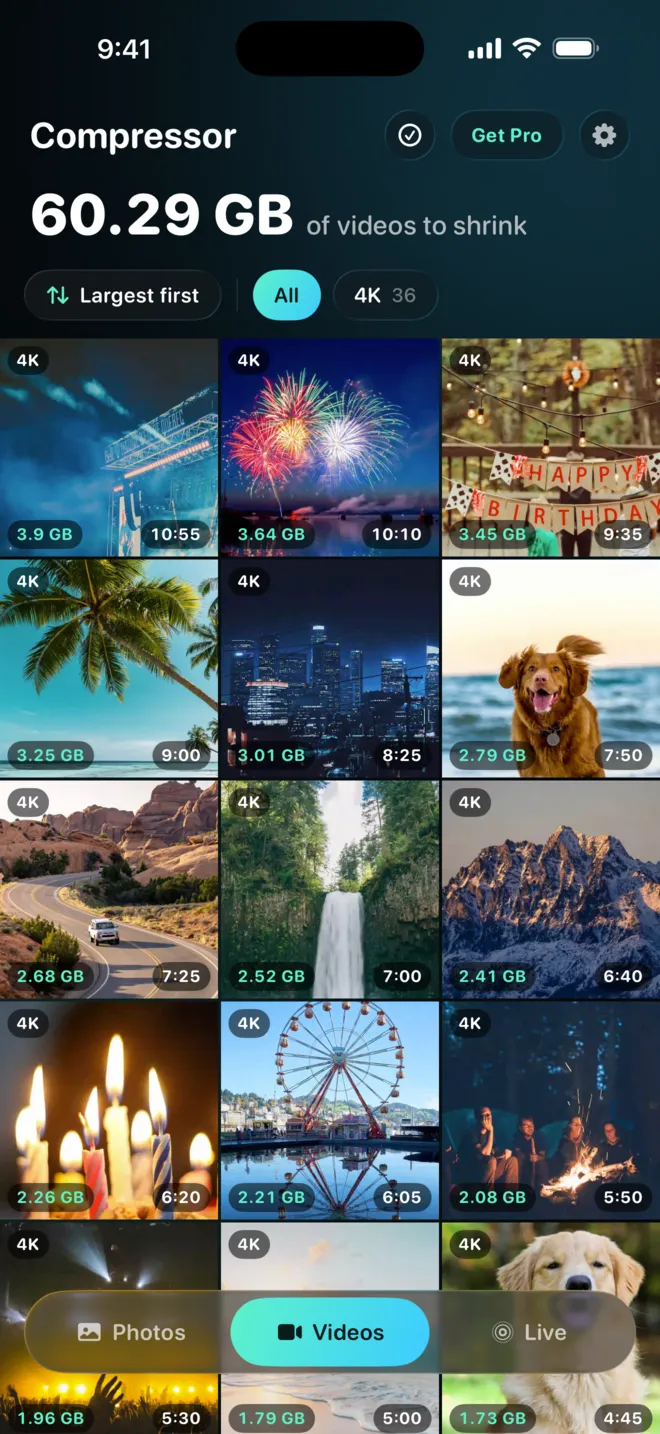
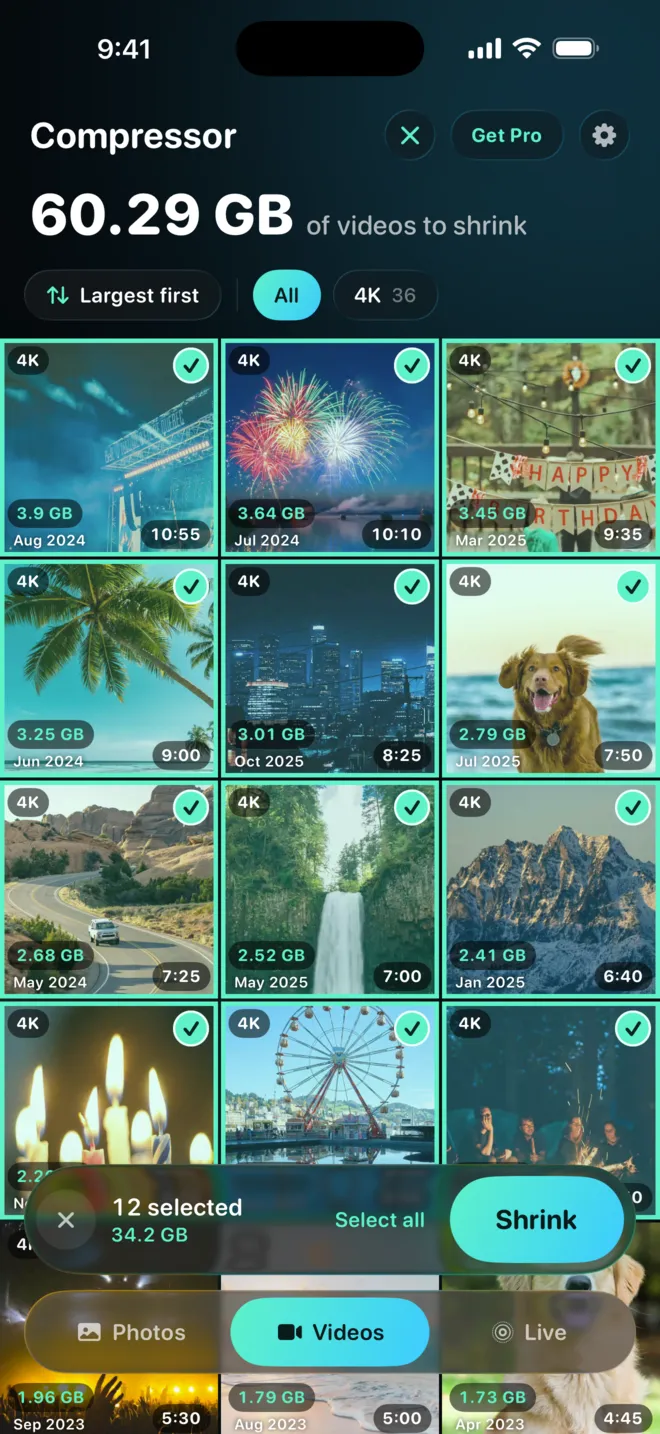
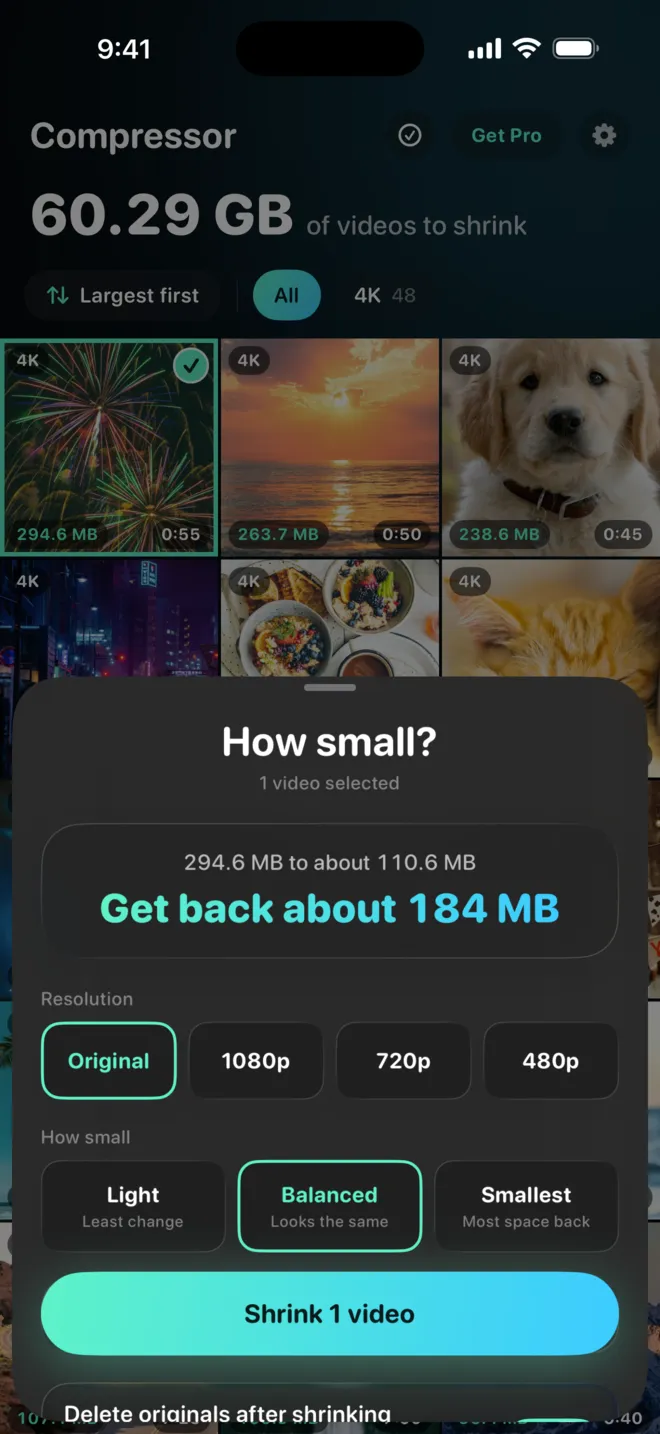
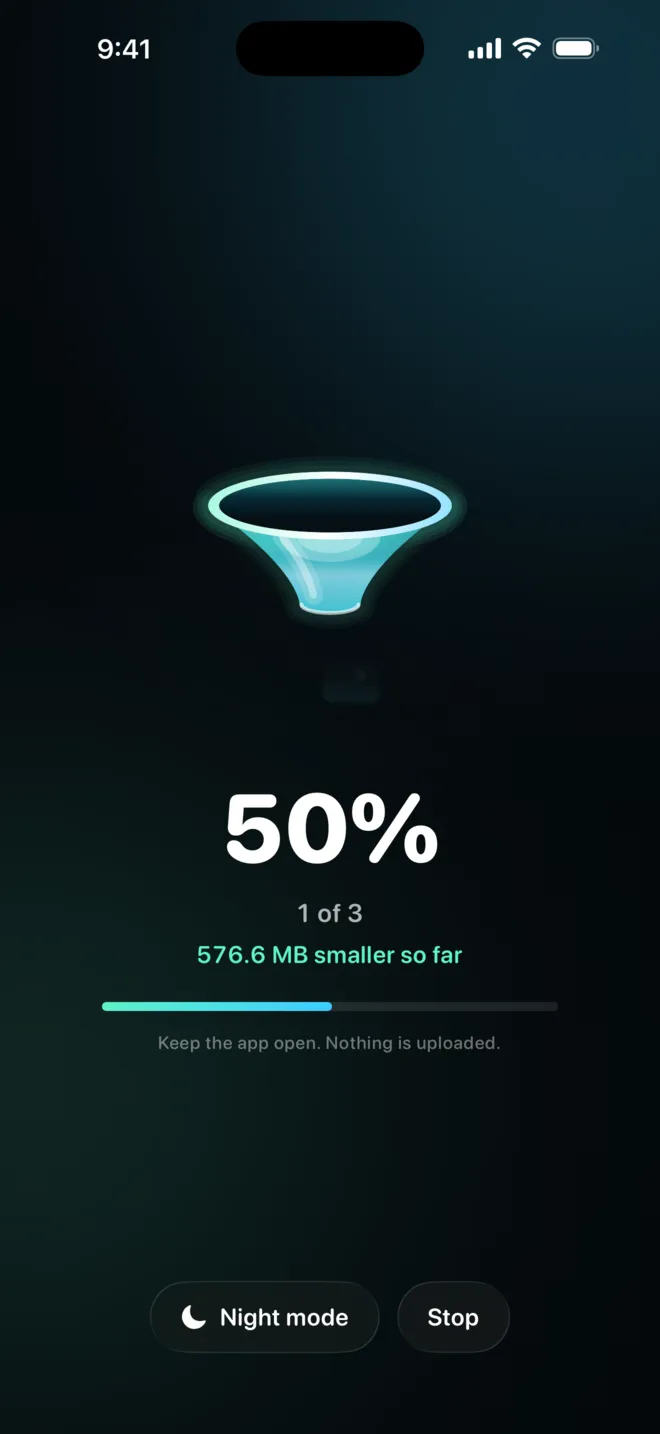
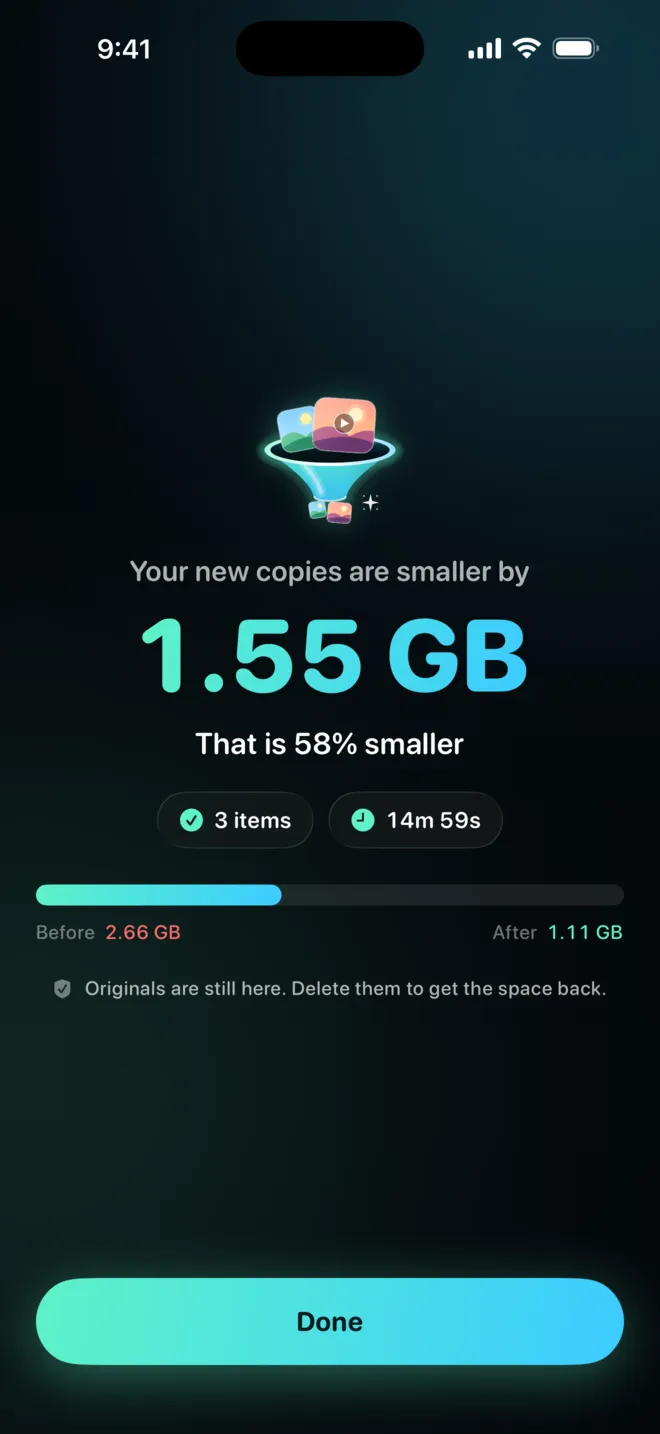
Real app screens
Also in our test: 3 videos went from 74.4 MB to 12 MB together. Results depend on each video.
How it works
Three taps to get your space back
See your biggest videos
Sort your library by size, so the heaviest clips are on top.
Pick a size
Choose the quality and see the estimated savings before you start.
Keep the smaller copy
Each copy goes back on its original date. Delete the originals when you are happy.
What you get
Your storage back, without losing a memory
- 1Space back in minutesNot an evening of scrolling and deleting.
- 2Every video staysSmaller files, same moments.
- 3Same date, same albumsYour Photos timeline looks the way it did.
- 4Nothing uploadedRuns on your iPhone. No account, no cloud.
- 5A whole batch at onceShrink many videos in one go with Pro.
- 630 days to change your mindOriginals sit in Recently Deleted until you clear them.
Questions
Is anything uploaded?
No. Compression runs on your iPhone and needs no account. Read the privacy policy.
Will my videos keep their dates?
Yes. Each smaller copy gets the original date, location, favorite status and albums.
Does a smaller video look worse?
A smaller file holds less detail. At a moderate setting most videos look the same on a phone screen. The app shows an estimate first, and you can compare before deleting the original.
Keep the memories. Lose the gigabytes.
Video Compressor: Resize Photo, for iPhone.